Getting Started
The Burglary Support Network is free to use. Creating an account lets you report incidents, track your recovery, save resources, and connect with the community. You do not need an account to browse the map or read educational content.
Creating an account
Section titled “Creating an account”- Click Sign In in the top-right corner of any page.
- On the sign-in page, select the Create account tab.
- Enter your email address and choose a password.
- Click Create account. A confirmation email will be sent to you.
- Open the email and click the confirmation link. You will be taken back to the site and signed in automatically.
If you do not receive the confirmation email within a few minutes, check your spam folder. The email comes from noreply@burglarysupport.com.
Signing in
Section titled “Signing in”- Click Sign In in the top-right corner.
- Enter your email and password and click Sign In.
If you have forgotten your password, click Forgot password? on the sign-in page and enter your email address. You will receive a reset link within a few minutes.
Your profile
Section titled “Your profile”Once signed in, click your name or the profile icon in the top-right corner and select My Profile.
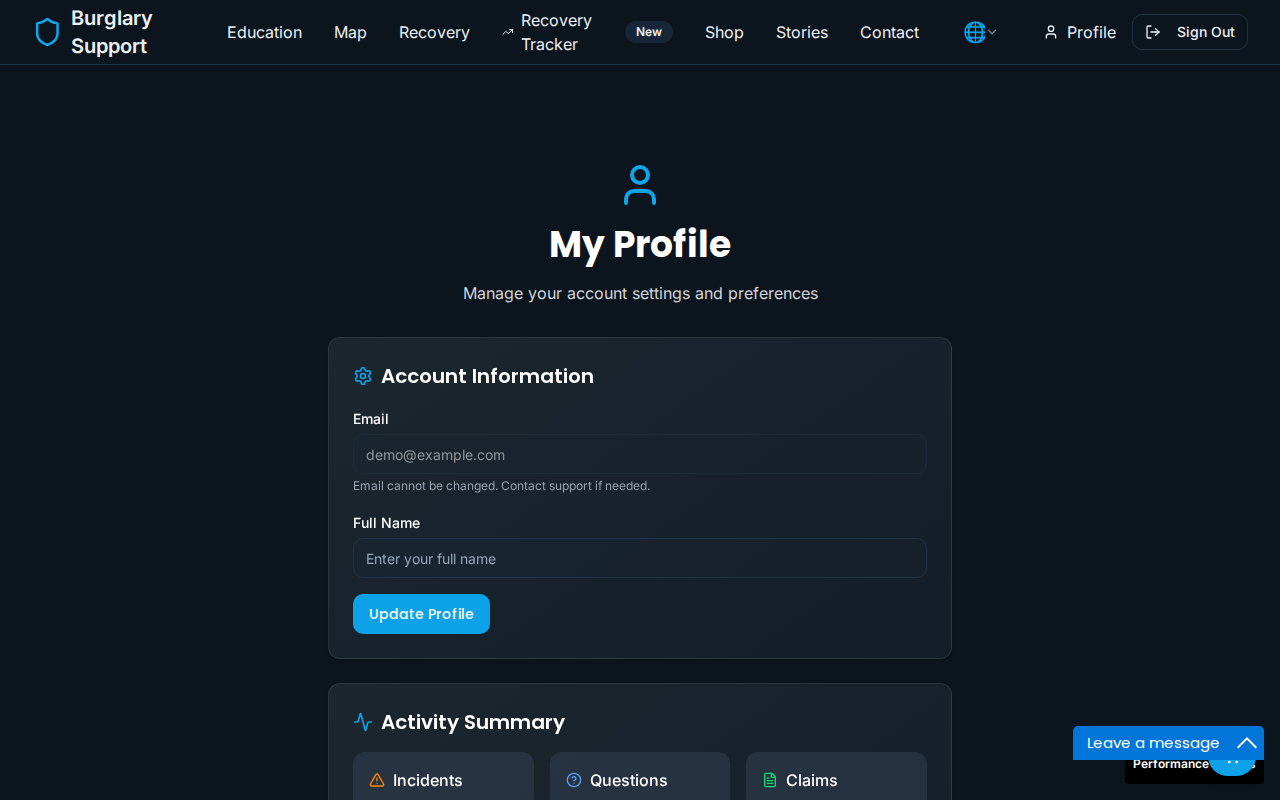
From your profile you can:
- Update your display name
- See a summary of your activity (incidents reported, questions asked, claims open)
Your email address cannot be changed after registration. If you need to change it, contact us through the Contact page.
Navigating the site
Section titled “Navigating the site”The main navigation bar gives you access to all sections of the platform.
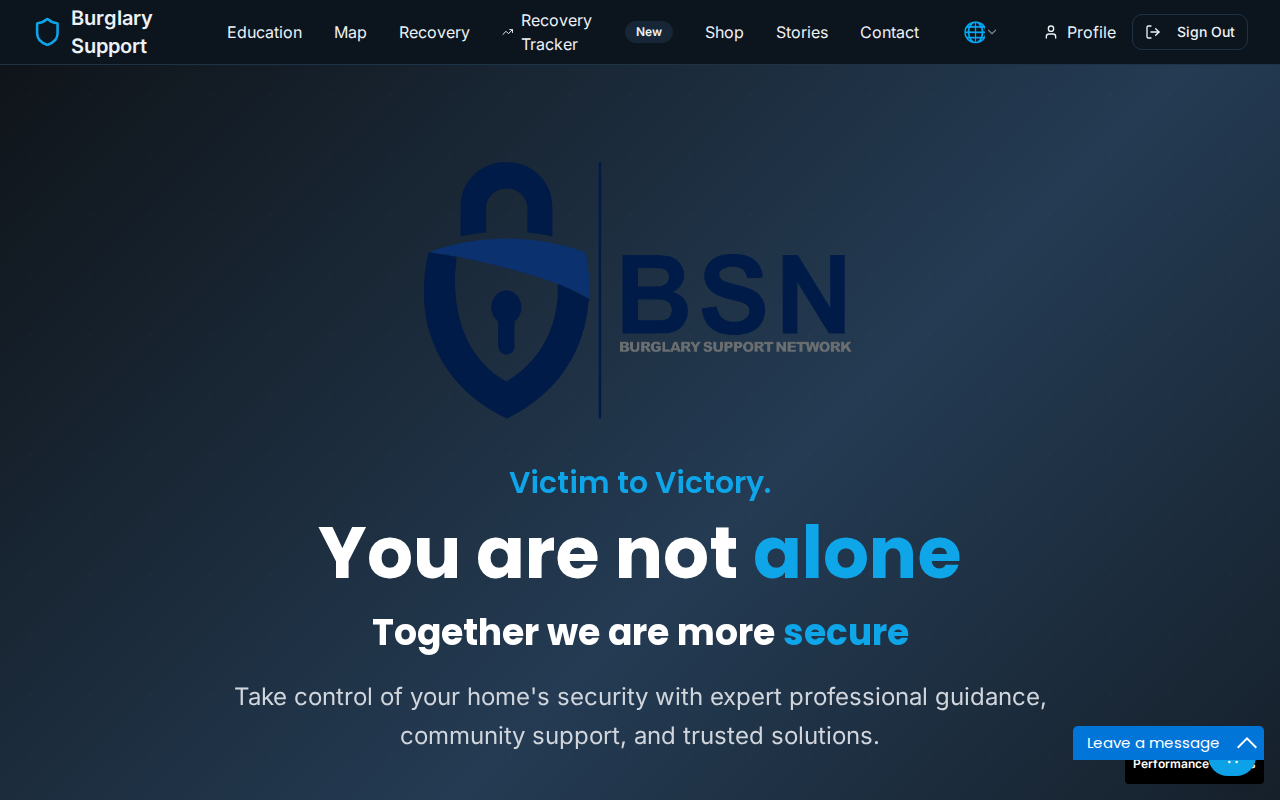
| Section | What it is |
|---|---|
| Map | Interactive crime map for your area |
| Education | Security guides and learning content |
| Recovery | Resources and tools to help you recover |
| Shop | Recommended security products |
| Stories | Community experiences |
| Get Help | Quick links to support and emergency resources |
| Contact | Reach the BSN team |
Signing out
Section titled “Signing out”Click your name in the top-right corner and select Sign Out.