Recovery Resources
Being burgled is a traumatic experience. The recovery section brings together free tools, crisis support contacts, and practical resources in one place.
Finding resources
Section titled “Finding resources”Go to Recovery in the navigation bar, or visit burglarysupport.com/recovery-resources.
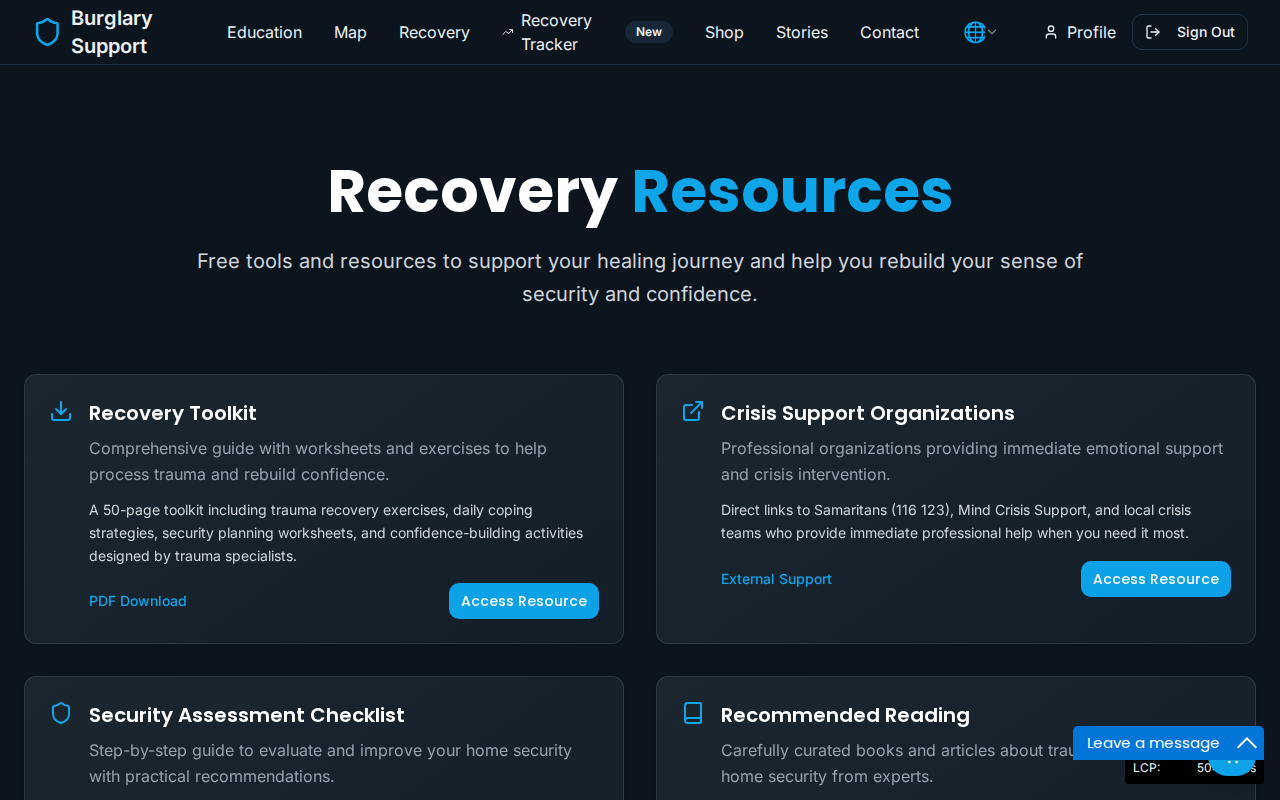
The page offers four main resources:
Recovery Toolkit
Section titled “Recovery Toolkit”A downloadable 50-page PDF guide with practical worksheets and exercises to help you process what happened and rebuild your sense of security. Click Access Resource on the Recovery Toolkit card to download it.
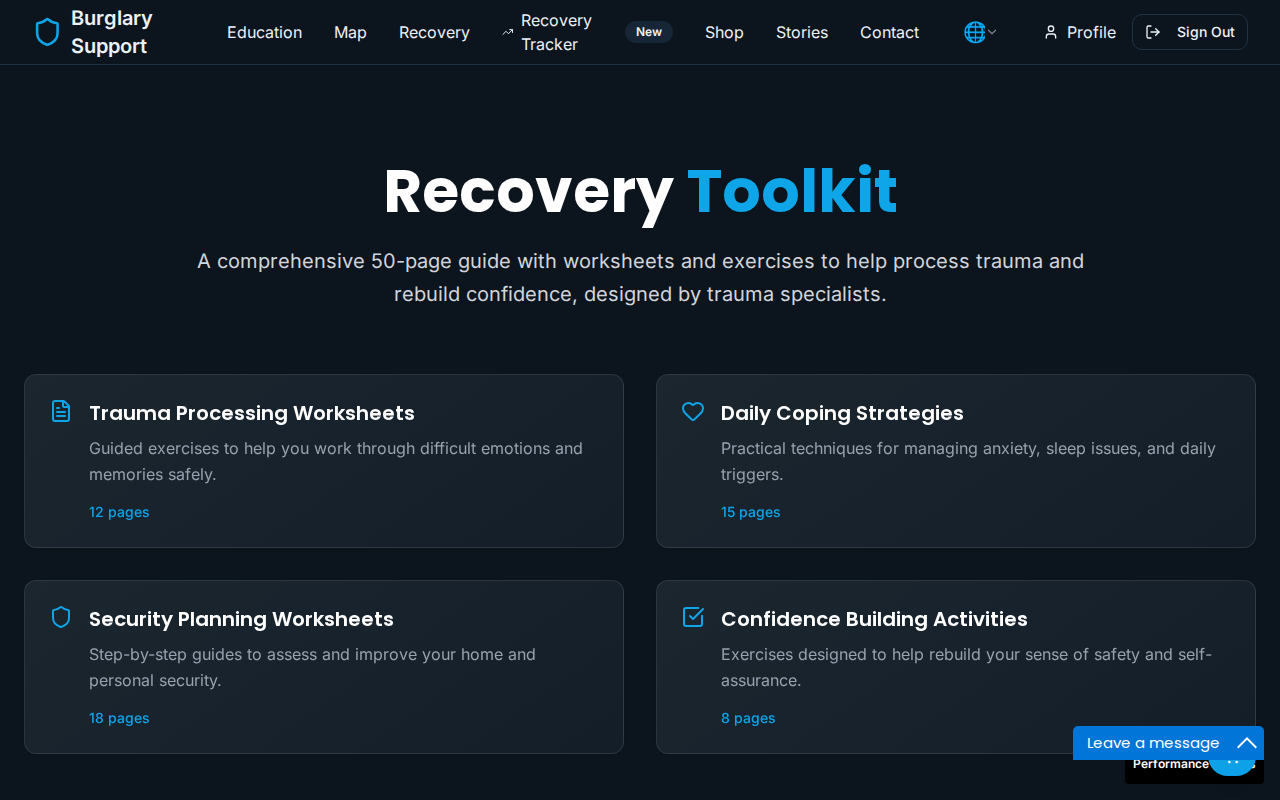
Crisis Support
Section titled “Crisis Support”Direct links to crisis support organisations, including:
- Samaritans — 116 123 (free, 24 hours)
- Mind Crisis Support — mental health support
- Victim Support — practical and emotional support after crime
- Anxiety UK — help with anxiety related to the incident
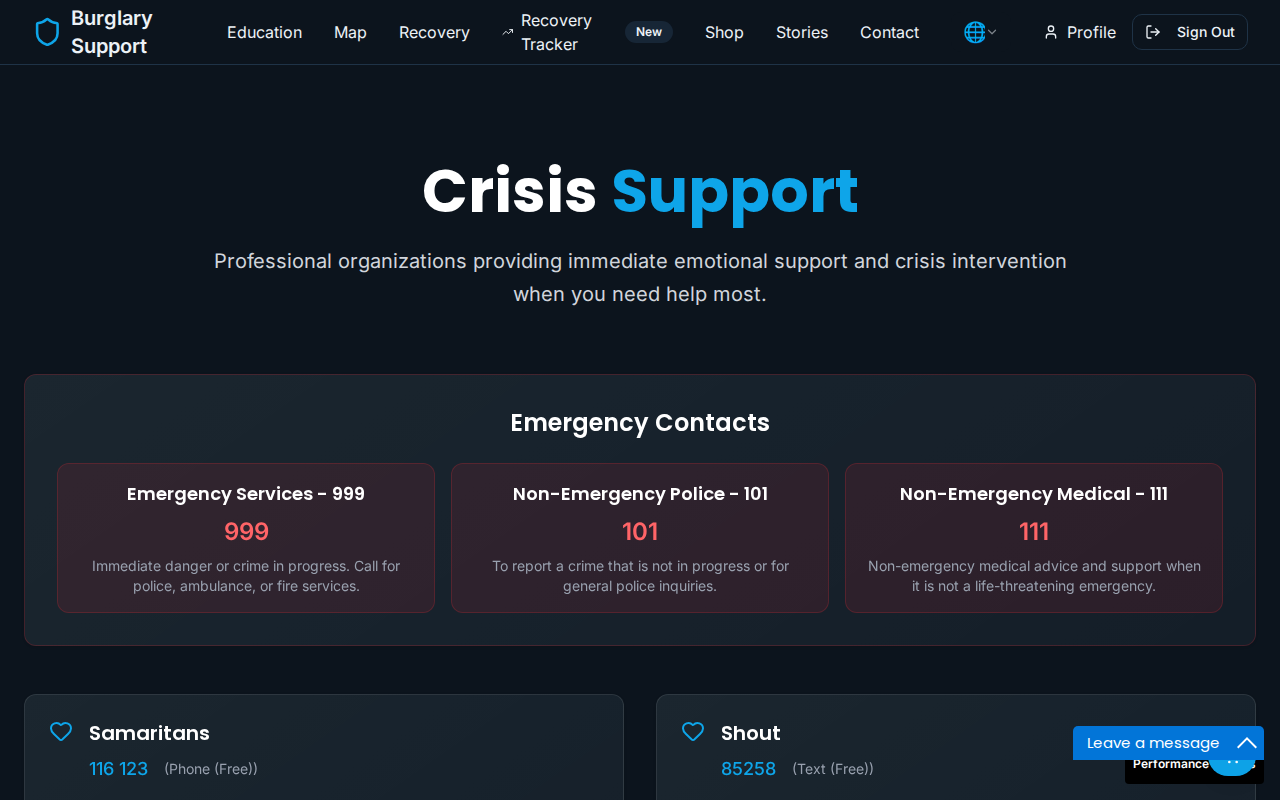
Security Assessment
Section titled “Security Assessment”An interactive checklist that walks you through your home’s entry points and security measures, giving you a personalised set of recommendations. The assessment covers doors, windows, lighting, alarms, and access points.
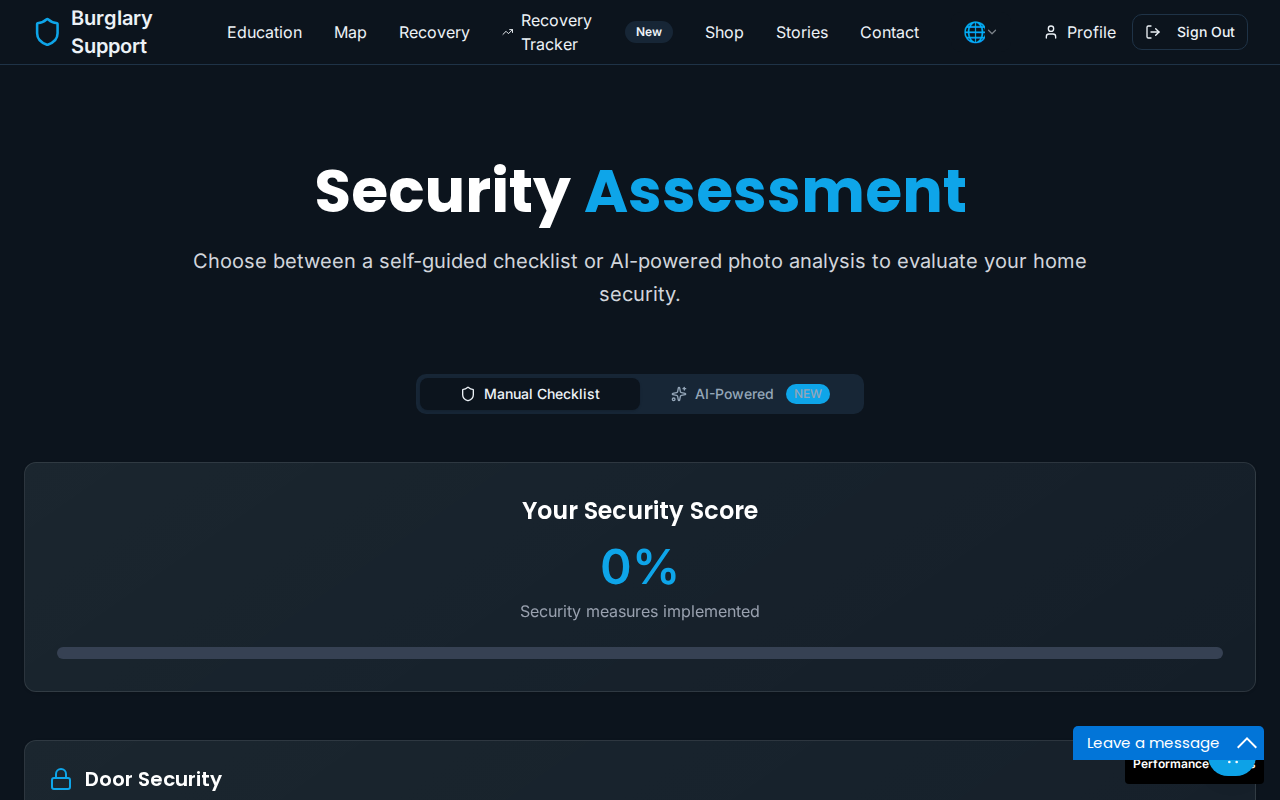
Recommended Reading
Section titled “Recommended Reading”A curated list of books and articles on trauma recovery and home security, chosen by the BSN team.
Community Stories
Section titled “Community Stories”Reading how others have coped can help. Visit burglarysupport.com/stories to read community experiences, or share your own.
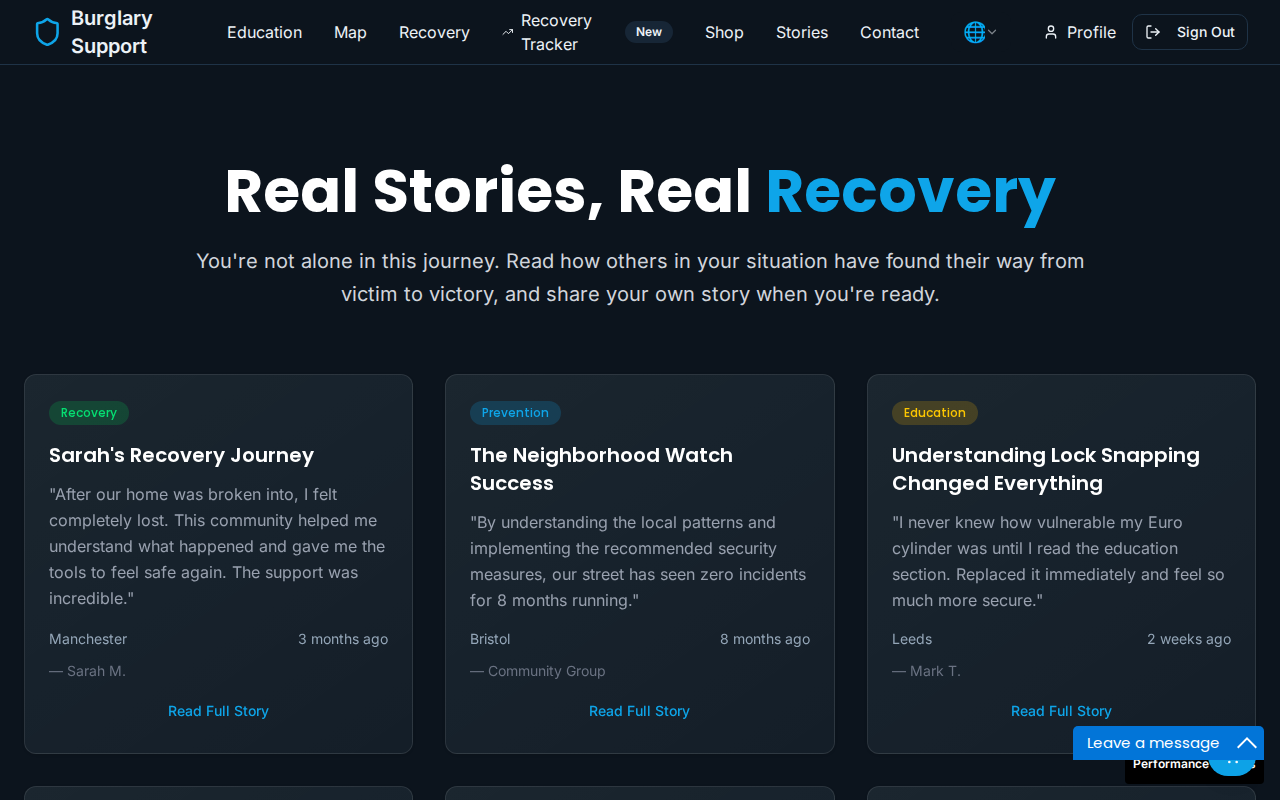
To share your story, click Share Your Story on the stories page. You can write what happened, how you felt, and what helped you recover. Stories are reviewed before publication and you control how much detail to include.
Support Groups
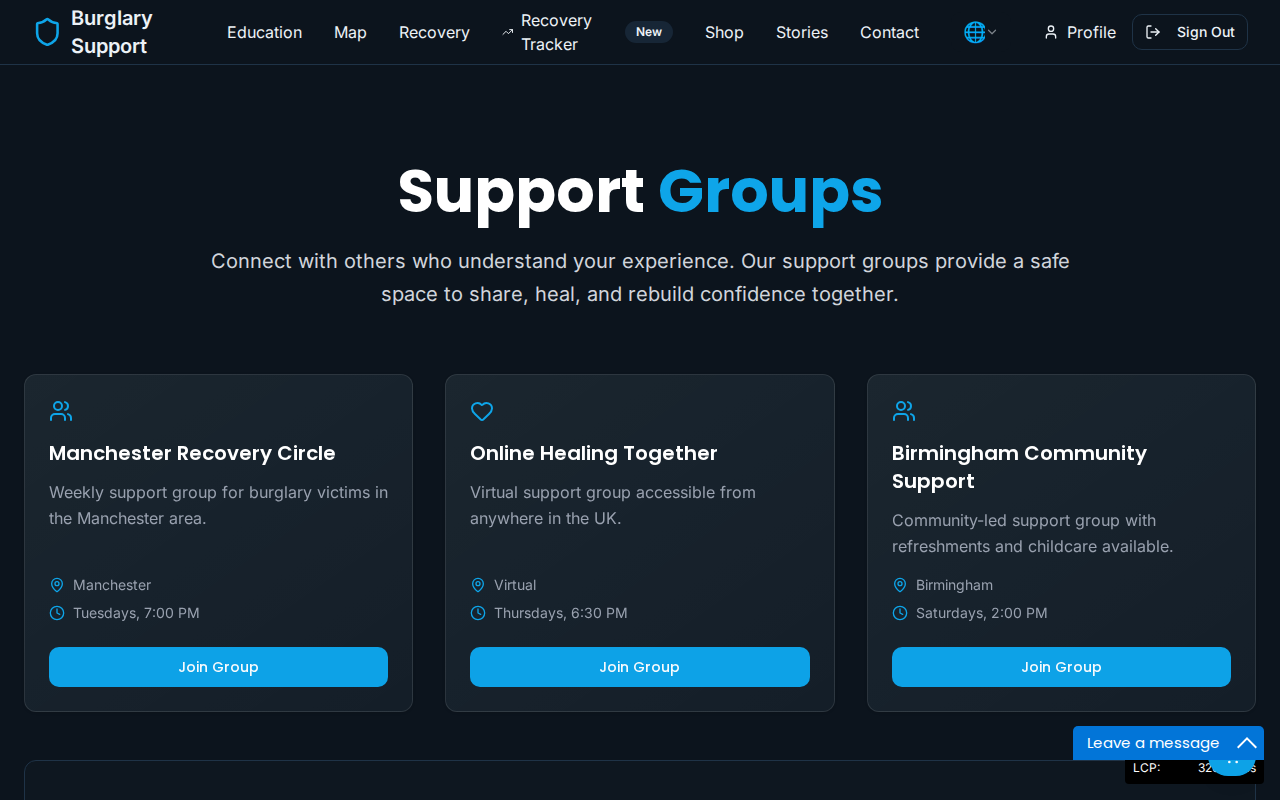
Section titled “Support Groups”The Support Groups page lists local and online groups where you can connect with others affected by burglary.
Recovery Progress Tracker
Section titled “Recovery Progress Tracker”If you want a more structured approach to your recovery, the Recovery Tracker (available when signed in) lets you set milestones, log daily progress, and see how far you have come over time. Access it from the Recovery Tracker link in the navigation bar.
Insurance Claims
Section titled “Insurance Claims”The Insurance Claims tool helps you organise your claim in one place. It guides you through:
- Insurer Details — your insurance company and policy number
- Incident Details — what was taken and how entry was made
- Review — a summary before you submit
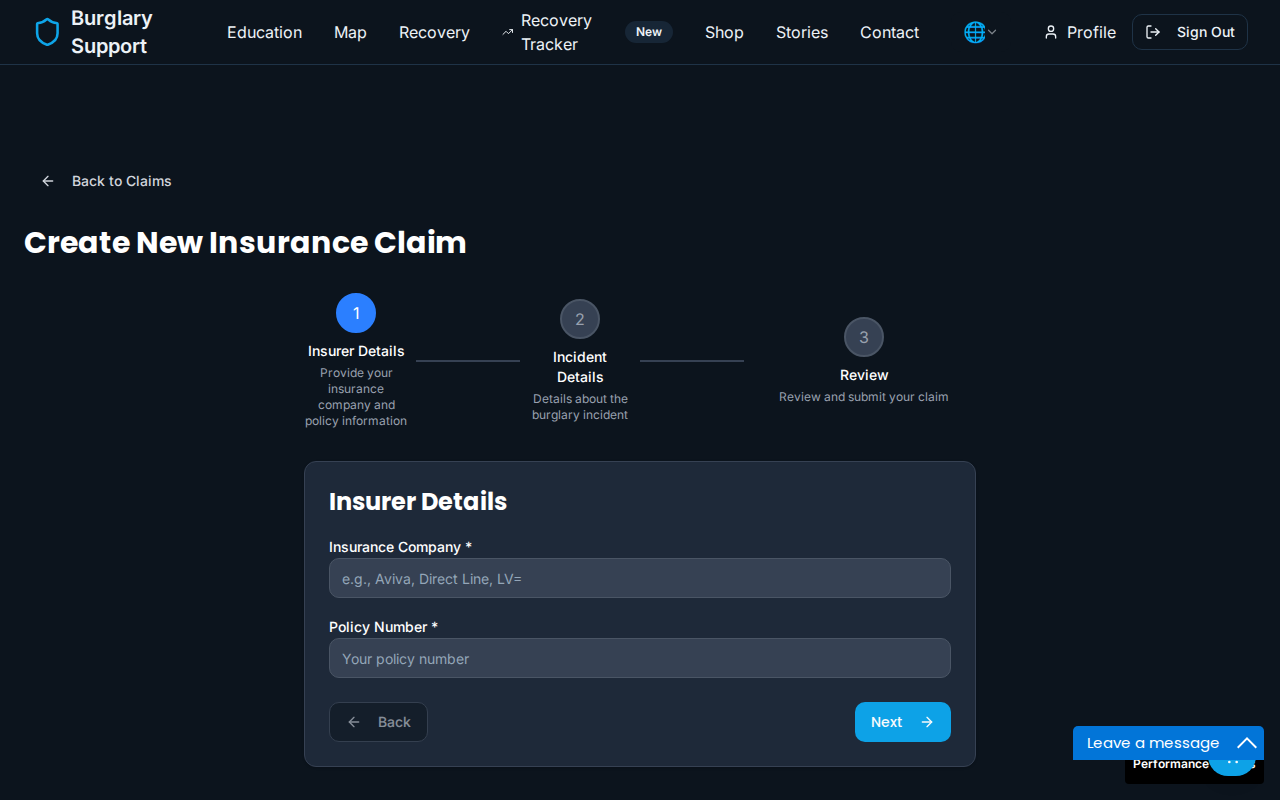
Access it from your account menu when signed in. You can save a draft and return to it at any time.